Apple gives iCloud users 5 GB of free storage, but that fills up fast with iCloud Photo Library, iOS backups, iBooks, and more. Until iOS 11 and macOS 10.13 High Sierra, each person in a family had to buy extra iCloud space separately. Happily, Apple has now made it so everyone in a Family Sharing group can share a single 200 GB ($2.99 per month) or 2 TB ($9.99 per month) plan.
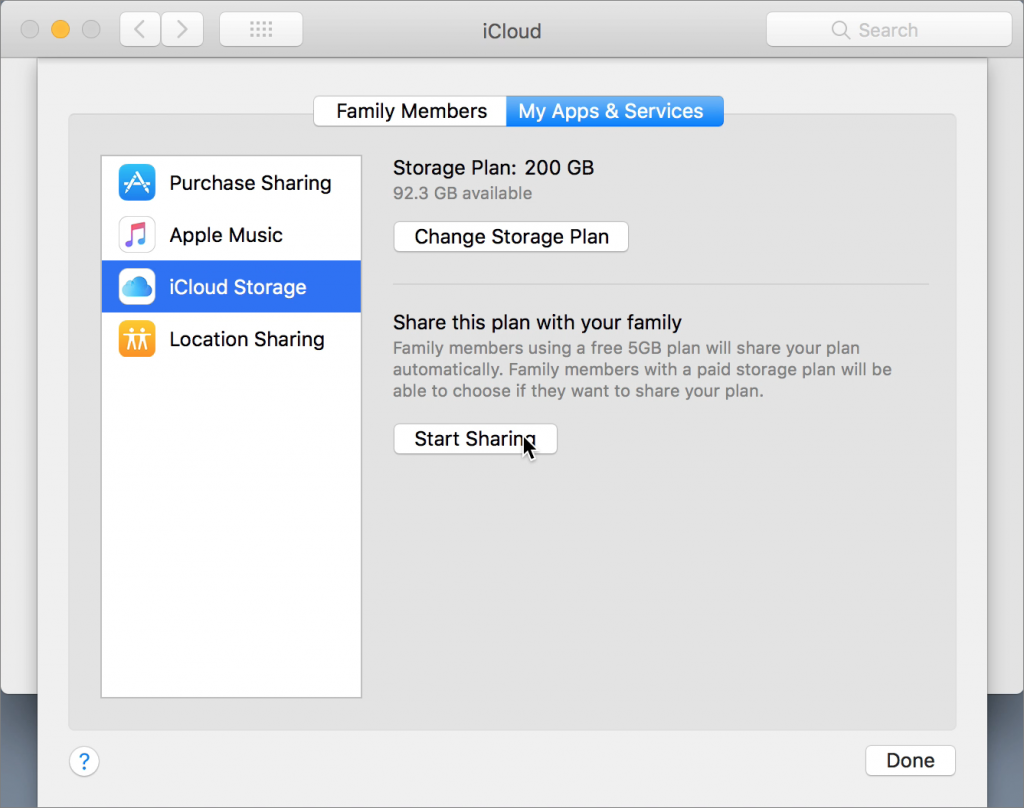
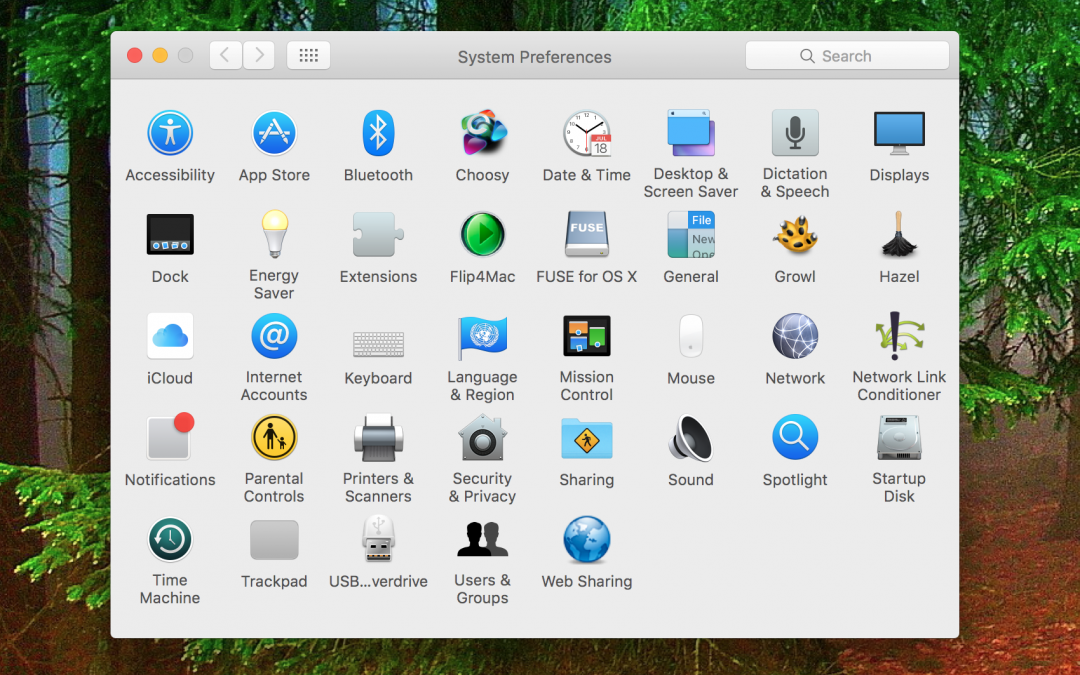
The family organizer can start sharing storage in High Sierra or iOS 11 as follows: on the Mac, go to System Preferences > iCloud > Manage Family > My Apps & Services > iCloud Storage; in iOS, go to Settings > Your Name > Family Sharing > iCloud Storage. Any other family member can then cancel their paid plan and join the Family Sharing plan using their iCloud Storage screen. Its a great money saving tip!
The family organizer can start sharing storage in High Sierra or iOS 11 as follows: on the Mac, go to System Preferences > iCloud > Manage Family > My Apps & Services > iCloud Storage; in iOS, go to Settings > Your Name > Family Sharing > iCloud Storage. Any other family member can then cancel their paid plan and join the Family Sharing plan using their iCloud Storage screen. Its a great money saving tip!