
The iPad’s onscreen keyboard is an awkward size—too small for adults to type on like a regular keyboard in landscape mode, but too large to thumb-type on like an iPhone in portrait mode unless you have large hands like a pro basketball player. If you fall into the thumb-typing camp, there’s a hidden feature in iOS just for you.
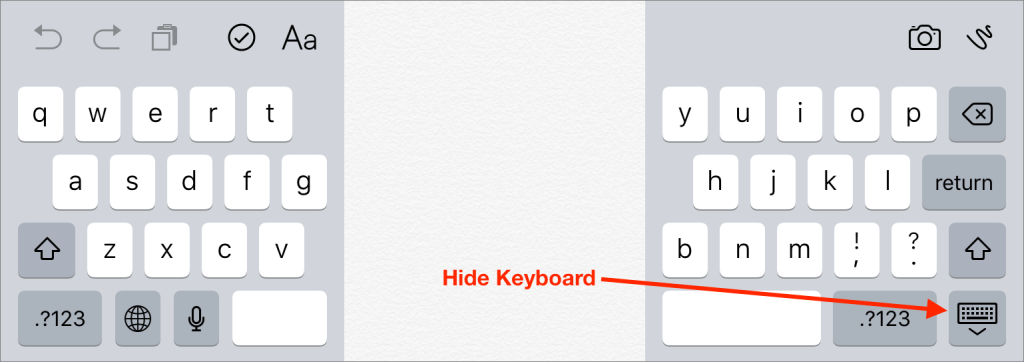
When you’re looking at the keyboard, press and hold the Hide Keyboard button in the lower-right corner, and then slide up to the Split option. The keyboard breaks in half and moves up the screen. (You can also just swipe outward quickly with both thumbs.) Now you can cradle the iPad in your palms and type with your thumbs. To rejoin the two halves of the keyboard, press and hold on Hide Keyboard again and tap Merge. (Or, swipe inward quickly with both thumbs.) Alternatively, tap Dock and Merge, or drag down on the Hide Keyboard button until it docks at the bottom of the screen. Enjoy!
When you’re looking at the keyboard, press and hold the Hide Keyboard button in the lower-right corner, and then slide up to the Split option. The keyboard breaks in half and moves up the screen. (You can also just swipe outward quickly with both thumbs.) Now you can cradle the iPad in your palms and type with your thumbs. To rejoin the two halves of the keyboard, press and hold on Hide Keyboard again and tap Merge. (Or, swipe inward quickly with both thumbs.) Alternatively, tap Dock and Merge, or drag down on the Hide Keyboard button until it docks at the bottom of the screen. Enjoy!

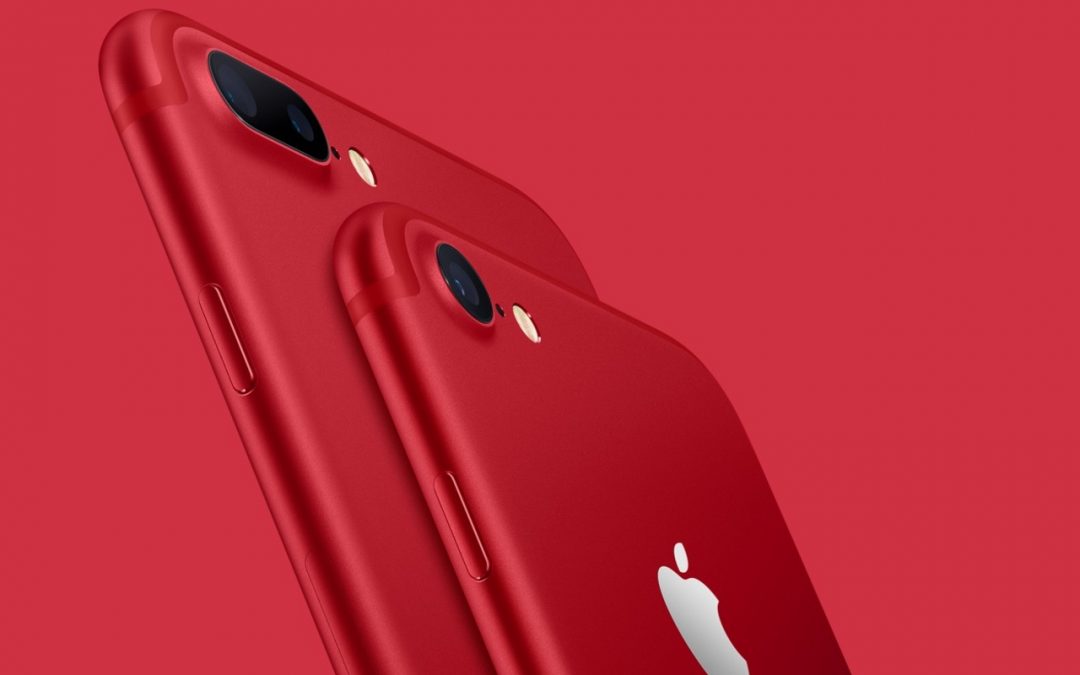
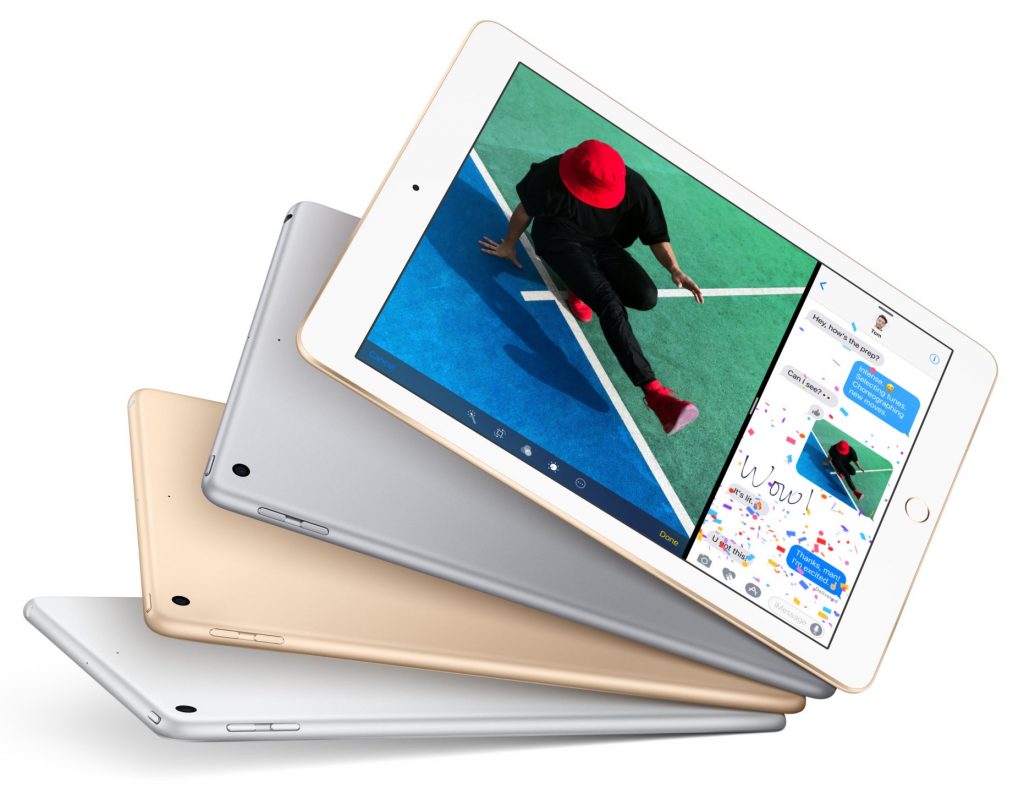
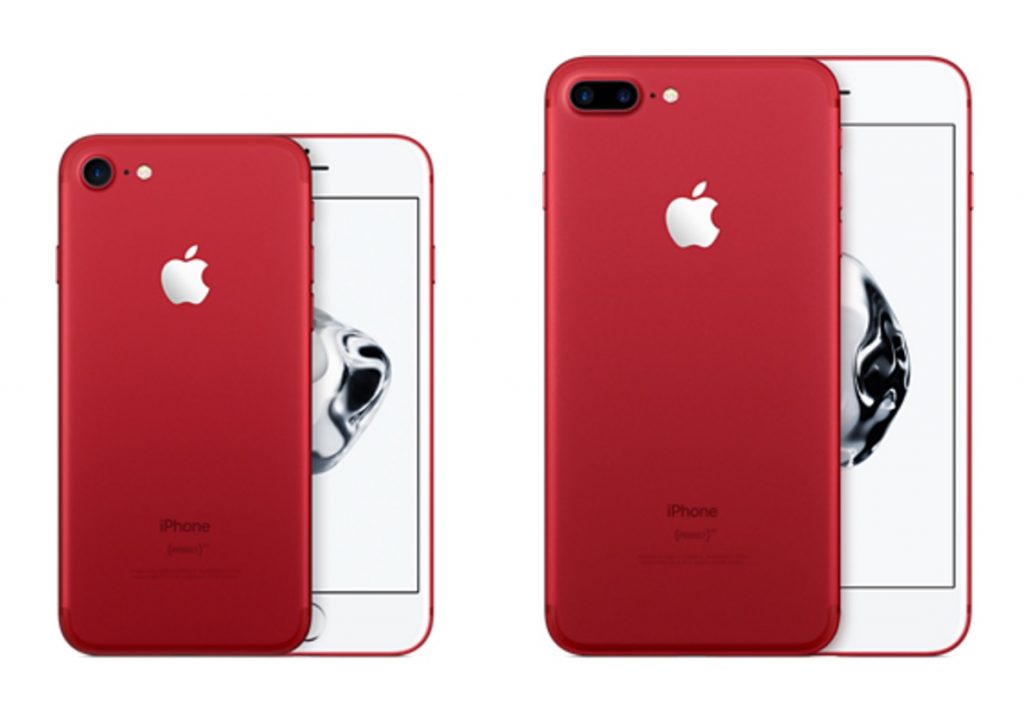 On March 24th, Apple will start selling the
 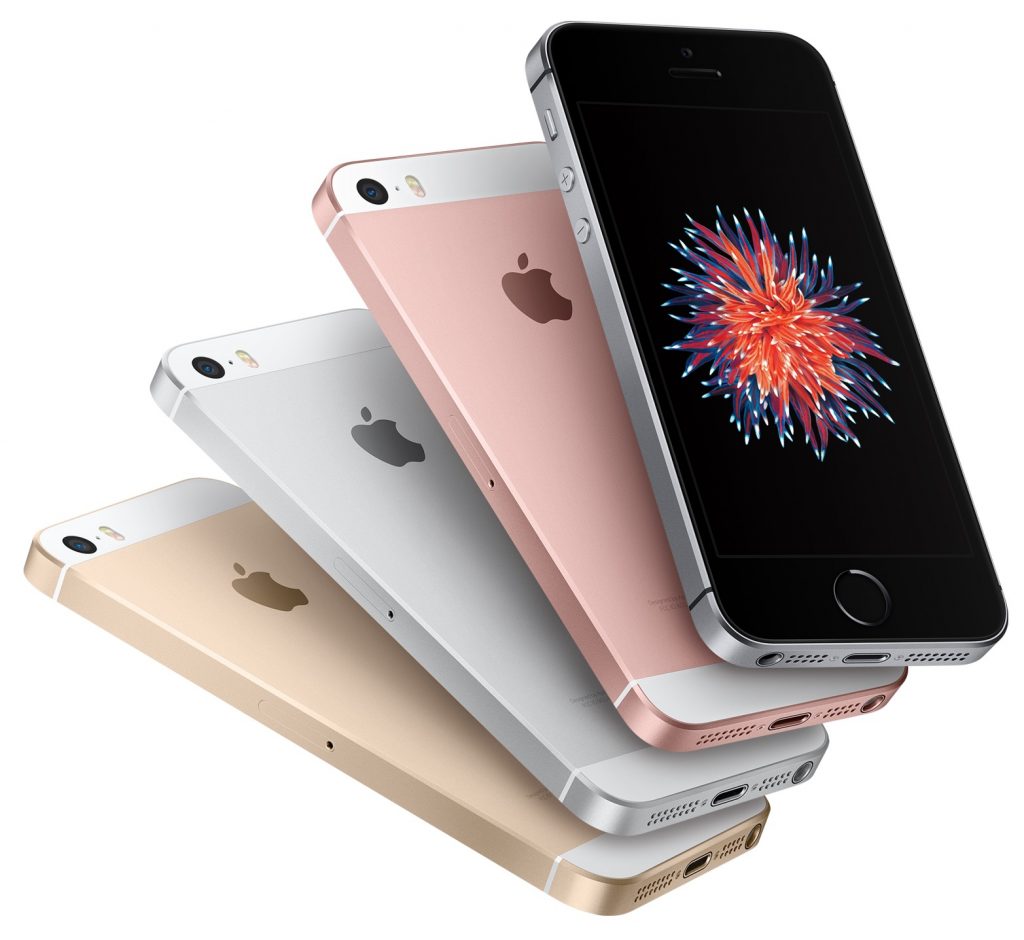 First,
if you’re looking for the least expensive iPhone, the 32 GB iPhone SE
at $399 is $150 cheaper than the 32 GB iPhone 6s at $549. And second,
some people with smaller hands or pockets don’t like the extra bulk of
even the 4.7-inch iPhone 6s/7, much less the 5.5-inch iPhone 6s/7 Plus.
For them, the svelte iPhone SE is a perfect size, and it’s helpful that
buying it no longer requires living with only 16 GB or 64 GB of storage.
First,
if you’re looking for the least expensive iPhone, the 32 GB iPhone SE
at $399 is $150 cheaper than the 32 GB iPhone 6s at $549. And second,
some people with smaller hands or pockets don’t like the extra bulk of
even the 4.7-inch iPhone 6s/7, much less the 5.5-inch iPhone 6s/7 Plus.
For them, the svelte iPhone SE is a perfect size, and it’s helpful that
buying it no longer requires living with only 16 GB or 64 GB of storage.
